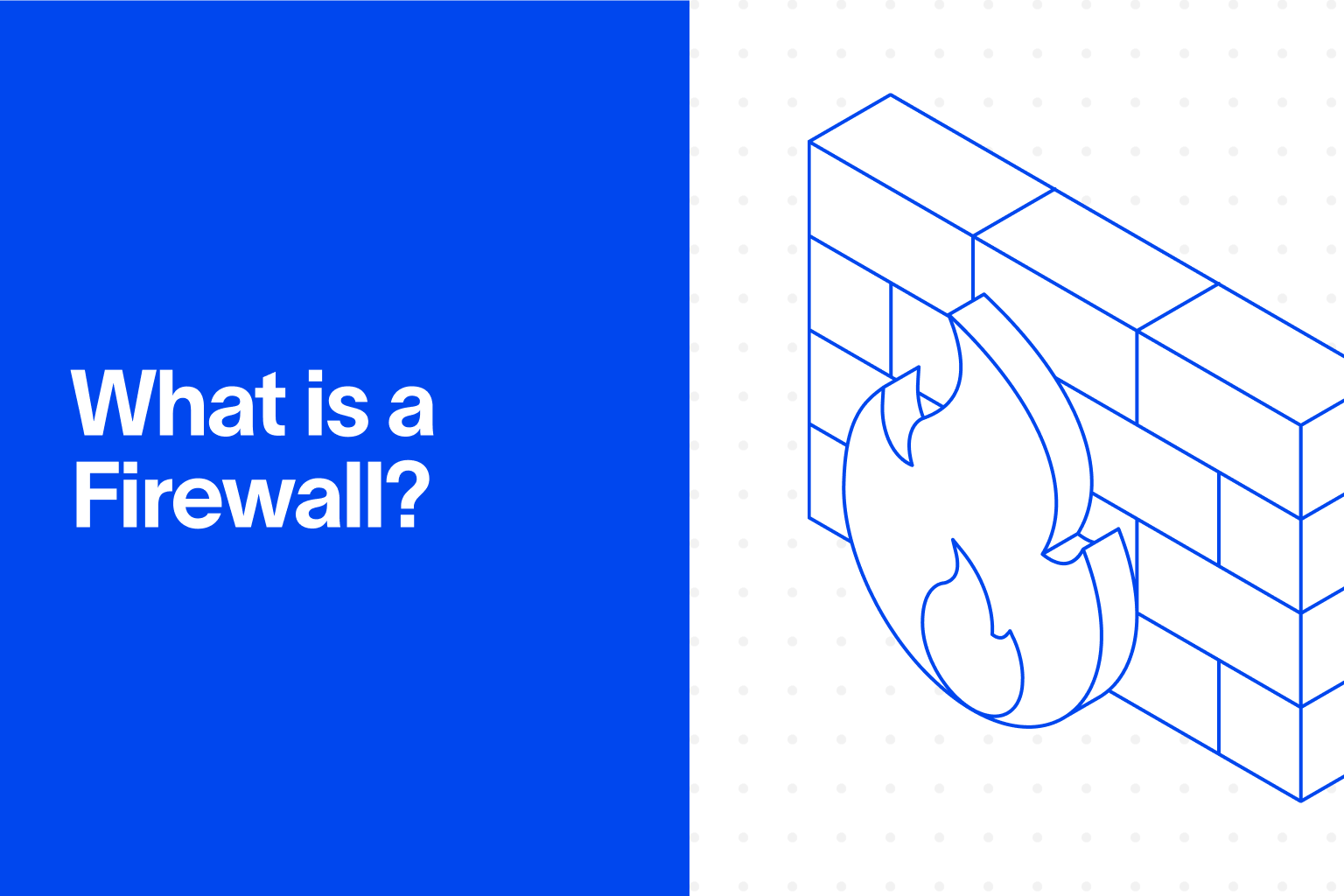
- A firewall filters network traffic based on predefined rules, blocking unauthorized access while allowing legitimate business traffic through.
- Modern next-generation firewalls (NGFWs) combine packet filtering with deep packet inspection, intrusion prevention, and application awareness.
- Firewalls protect the network perimeter, but they cannot see what happens to sensitive data once a user, application, or device is already inside that perimeter.
- Misconfigured firewall rules are a leading cause of preventable network breaches, which is why rule review needs to be a recurring process, not a one-time setup.
- Cyberhaven complements firewall-based perimeter defense with data-centric visibility that tracks sensitive information after it passes through, whether that traffic came from an approved source or not.
What Is a Firewall?
A firewall is a network security device or software program that monitors incoming and outgoing traffic and decides whether to allow or block it based on a defined set of security rules.
Firewalls sit between a trusted internal network and an untrusted external network, such as the internet, acting as a checkpoint for every connection attempt. Firewalls can run as physical hardware appliances, software installed on a device, or virtualized services delivered through the cloud.
The term borrows its name from the physical firewall in building construction, a barrier designed to contain fire and stop it from spreading between sections of a structure. In computing, a firewall performs a similar containment function: it stops malicious or unauthorized traffic from spreading between network segments. Firewalls have been a foundational network security control since the late 1980s, and they remain one of the first layers of defense most organizations deploy.
How Firewalls Work
Firewalls work by inspecting network traffic against a rule set and applying an allow or deny decision to each connection. That inspection happens through several layered mechanisms, and most modern firewalls use more than one at once.
- Packet filtering: The firewall examines each packet's header, checking the source and destination IP address, port number, and protocol. Packets that match an allow rule pass through; packets that match a deny rule are dropped.
- Stateful inspection: Rather than treating each packet independently, a stateful firewall tracks the state of an entire connection in a table. This lets it recognize legitimate return traffic for a session it already approved, while blocking packets that do not belong to any known connection.
- Deep packet inspection (DPI): DPI goes beyond the header to examine the actual contents of a packet, checking payloads for malware signatures, policy violations, or other malicious content hidden inside otherwise normal-looking traffic.
- Application awareness: Next-generation firewalls can identify traffic by the specific application generating it, not just its port or protocol, which allows rules like blocking peer-to-peer file sharing while permitting business web traffic on the same port.
- Intrusion prevention: Many firewalls integrate an intrusion prevention system (IPS) that watches for known attack signatures or unusual traffic patterns and can automatically block or alert on suspicious activity.
- Logging: Every allowed and blocked connection gets recorded. These logs typically feed into a SIEM platform, where they support investigation and long-term threat detection.
Types of Firewalls
Firewalls have evolved across four broad generations, each adding capability without fully retiring the one before it. Many organizations run several types simultaneously across different parts of their network.
Host-based firewalls protect a single device, such as a laptop or server, while network-based firewalls protect an entire network segment at the perimeter. Most enterprise environments layer both.
Firewall Rules and Policy Enforcement
Firewall rules are the specific conditions that determine whether a piece of traffic is allowed or denied, and they are what make a firewall function day to day. A rule typically specifies a source and destination IP address or range, a port number, a protocol, and an allow or deny action.
Next-generation firewalls extend this further by letting rules reference specific applications or user identities rather than just network addresses.
Well-designed firewall rules follow the principle of least privilege (PoLP), and permit only the traffic required for business operations and deny everything else by default. In practice, rule sets tend to accumulate over time as new applications and exceptions get added, and outdated or conflicting rules become a common source of both security gaps and operational disruption.
Regular rule audits, ideally quarterly at minimum, are necessary to catch rules that no longer serve a purpose or that unintentionally open access wider than intended.
Firewall Vs. Antivirus: What's the Difference
Firewalls and antivirus software are both foundational security tools, but they operate at different layers and solve different problems.
The key difference between a firewall and antivirus software is scope: a firewall controls network traffic entering and leaving a system, while antivirus software scans files and processes on an individual device for known malicious code.
Most organizations deploy both as complementary layers rather than choosing one over the other, since neither tool covers the gap the other is designed for.
Why Firewalls Matter for Enterprise Data Security
Firewalls remain a baseline control for enterprise data security, but the network perimeter they were built to defend has changed significantly. Cloud services, remote work, mobile devices, and the rise of AI mean sensitive data now regularly leaves the boundaries a traditional firewall was designed to protect. Firewalls today typically operate as one layer within a broader zero trust or data-centric security strategy rather than the sole line of defense.
Firewalls support several data security functions directly. Network segmentation, enforced through internal firewalls, isolates sensitive systems such as databases or HR platforms and limits how far an attacker can move if they get past the perimeter. Many compliance frameworks, including HIPAA, PCI DSS, and GDPR, also require documented traffic controls and access restrictions that firewalls help satisfy. Integration with data loss prevention (DLP) and data security posture management (DSPM) tools extends this further, correlating network-level traffic controls with visibility into where sensitive data actually lives and moves.
Common Firewall Limitations and Misconceptions
- A firewall is not a complete security strategy
Firewalls filter traffic at the network boundary; they have no visibility into what happens to data after a connection is already allowed through. - Firewalls struggle against insider threatsBecause insider activity typically originates from already-trusted internal connections, a firewall's rule-based traffic filtering has little to detect there.
- Encrypted traffic inspection is a trade-off
Decrypting and inspecting HTTPS traffic for hidden threats can introduce meaningful performance overhead if not carefully managed. - Misconfiguration is more common than exploitation
Many firewall-related incidents trace back to an overly permissive or outdated rule, not a flaw in the firewall technology itself. - More rules do not mean more security
An overgrown, poorly audited rule set can create blind spots and conflicts that are harder to secure than a smaller, well-maintained one.
Firewall Best Practices
- Apply least privilege by default
Configure rules to allow only necessary traffic and deny everything else, rather than starting from a permissive baseline and trying to restrict it later. - Review rules on a fixed schedule
Audit the full rule set at least quarterly, and immediately after any new application or service is deployed. - Segment the internal network
Use internal firewalls to isolate high-value systems so that a breach in one segment does not automatically expose the rest of the network. - Handle encrypted traffic deliberately
Deploy SSL/TLS inspection where threat visibility justifies the performance cost, and monitor for any privacy or compliance implications. - Pair firewall logs with SIEM and DLP data
Correlating network-level events with data movement signals makes it possible to catch data exfiltration attempts that a firewall alone would only partially see. - Keep firmware and threat intelligence current
Outdated firmware and stale threat feeds are a common gap that automated updates largely eliminate.
How Cyberhaven Addresses Firewall-Era Network Security Gaps
Cyberhaven is the leader in Data Security for the Agentic Enterprise. Firewalls make a single allow-or-deny decision at the perimeter, but they cannot see what happens to sensitive data once a connection is already approved, whether that data is moving between cloud services, into an AI tool, or across a workflow no firewall rule was written to inspect. Cyberhaven traces the full lifecycle of your data, adapting protection to changing context, so security teams retain visibility into sensitive information long after it passes the network boundary a firewall was designed to guard.
Frequently Asked Questions
What Is a Firewall?
A firewall is a network security device or program that monitors and controls incoming and outgoing traffic based on predefined security rules. It acts as a barrier between a trusted internal network and an untrusted external network, blocking unauthorized access while allowing approved traffic through.
How Do Firewall Rules Work?
Firewall rules define which traffic is allowed or denied based on criteria such as source and destination IP address, port number, and protocol. Rules are evaluated in order, and the first matching rule determines whether a connection is permitted or blocked. Next-generation firewalls can also apply rules based on application or user identity.
What Is the Difference Between a Firewall and Antivirus Software?
A firewall controls network traffic entering and leaving a system or network, while antivirus software scans files and running processes on an individual device for known malicious code. They address different threat surfaces and are typically deployed together rather than as substitutes for one another.
What Is a Next-Generation Firewall (NGFW)?
A next-generation firewall combines traditional stateful packet inspection with deep packet inspection, intrusion prevention, and application-level awareness. NGFWs can identify and control traffic by the specific application generating it, not just its port or protocol, giving them more granular enforcement than earlier firewall generations.
Do Firewalls Protect Against Insider Threats?
Firewalls are designed primarily to filter traffic at the network perimeter, which gives them limited visibility into insider activity, since that traffic typically originates from an already-trusted internal connection. Detecting insider threats generally requires pairing firewall data with insider risk management and DLP tools that monitor user behavior and data movement directly.
How Often Should Firewall Rules Be Reviewed?
Firewall rules should be reviewed at least quarterly, and immediately after any new application, service, or network change is deployed. Outdated or conflicting rules are one of the most common sources of preventable firewall-related security gaps.

.avif)
.avif)