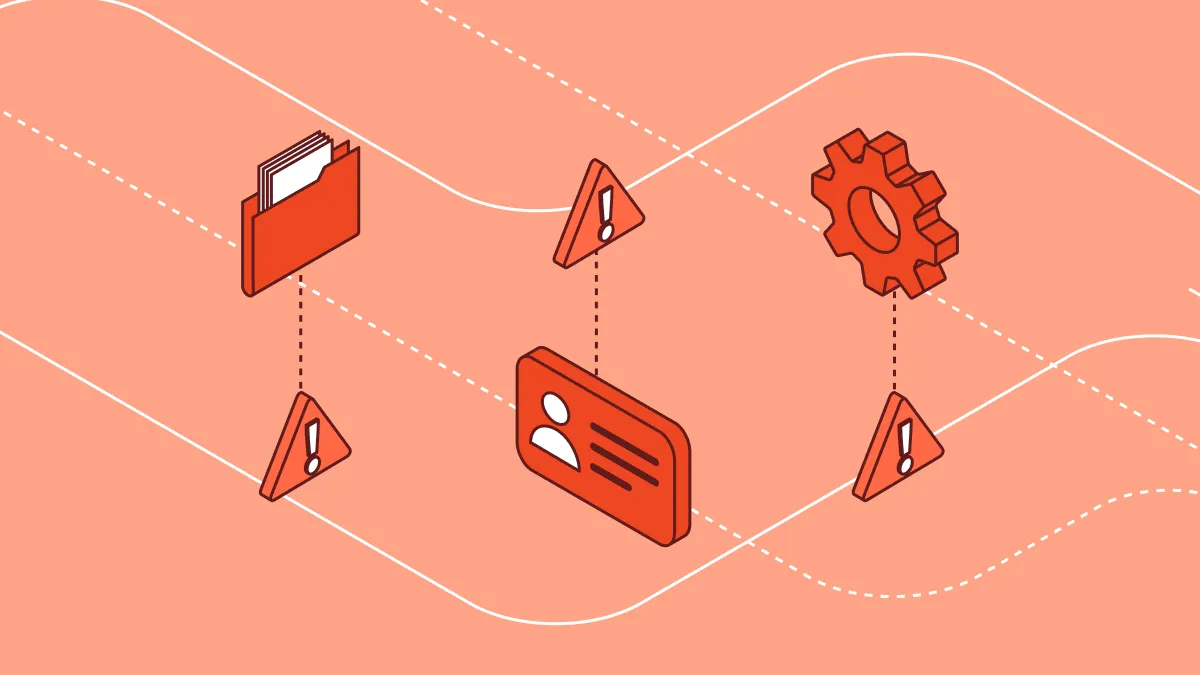
Most insider risk programs stall at the same place: they can see what data exists, but not what users are doing with it. Data security posture management (DSPM) tools catalog sensitive files, flag misconfigured permissions, and surface overexposed repositories. What they often cannot communicate is whether that overexposed file was accessed, copied, renamed, and uploaded to a personal cloud account by an employee who put in their resignation last week.
That gap is where insider incidents happen. Posture states that the environment is misconfigured. Data lineage states that someone is already exploiting that misconfiguration. The programs catching insider risk early are the ones that pair posture with a continuous record of where sensitive data originated, how it moved, and who touched it along the way.
What Is DSPM and How Does It Relate to Insider Risk?
DSPM is a category of security tooling that discovers, classifies, and monitors sensitive data across an organization's environment to surface posture gaps and misconfiguration risks. It answers the foundational inventory questions of what sensitive data exists, where it lives, who can access it, and whether that access aligns with policy.
The connection to insider risk is direct. Posture gaps are the conditions that make insider incidents possible, such as a shared drive with no access controls, a customer database accessible to every employee in a business unit, a code repository that a contractor can still read six months after offboarding. DSPM finds those gaps.
But posture is a static view. It describes the environment at a point in time. Insider threats are behavioral. They unfold across sessions, days, and weeks, in patterns that look like normal work until they don't. A DSPM tool operating in scan-and-alert mode will show the environment was risky. A program that combines posture with data lineage will show the risk was realized, by whom, and when.
What Posture Alone Misses in an Insider Risk Context
Consider three scenarios a DSPM posture scan surfaces:
Scenario 1: An S3 bucket containing product roadmap documents is accessible to all authenticated employees.
Scenario 2: A finance directory on SharePoint has broad read permissions that include contractors.
Scenario 3: A confidential merger document is stored on a laptop that syncs to the employee's personal iCloud.
A posture finding for each of these scenarios is valuable. It tells you where to tighten controls. What it does not tell you is whether anyone accessed those assets, which files were opened, whether content was copied to another application, or whether it left the environment entirely.
That distinction matters for insider risk because the threat model is not about exposure potential. It is about what users actually did with access they had. Posture answers the first question. Lineage answers the second.
The four signals posture cannot surface
| Signal | Why posture misses it |
|---|---|
| File content copied and pasted into a new document | No file transfer event; the original file stays in place |
| Data moved to a personal device via browser download | Posture scans known repositories; browser activity is invisible |
| Fragments of sensitive content sent through a collaboration tool | No file-level event; no label to match |
| Behavioral escalation before resignation | Posture has no user behavior context |
How Data Lineage Surfaces What Posture Misses
Data lineage is a continuous record of data origin, transformation, and movement. Unlike posture scanning, which catalogs data at rest in known repositories, lineage tracks content through every downstream action: copy, paste, rename, upload, email attachment, browser transfer, AI tool submission.
Lineage makes the following questions answerable that posture alone cannot address:
- A sensitive file is overexposed in SharePoint. Has anyone downloaded it in the past 30 days? Who?
- That downloaded file: was it renamed, copied to a thumb drive, or attached to an outbound email?
- An employee in their notice period has accessed 40 files outside their normal scope. Are those files still on the corporate device, or did they leave the environment?
- A contractor accessed a customer database last quarter. Did any of that data appear in an external email?
Concrete example: the departing employee scenario
A classic flight risk pattern unfolds in stages, and posture alone catches none of them.
Stage 1: An engineer downloads IP documentation from an internal wiki to a local folder. No alert fires. The file is in a location they have legitimate access to.
Stage 2: Over three weeks, they copy those files into a personal project folder. Still no alert: this looks like normal local file management.
Stage 3: They compress the folder and upload it to a personal Google Drive account from the corporate laptop. Without endpoint-level lineage tracking through the browser, this action is invisible to any cloud-only DSPM.
Stage 4: They resign. At this point, the data has already left.
With data lineage, the behavioral pattern at Stage 2 generates a signal: unusual volume of file access across domains outside the employee's normal scope, combined with data movement to a personal sync destination. That signal can trigger an IRM workflow before Stage 3 occurs.
Explore how to stop data exfiltration from departing employees.
Concrete example: the overexposed document that was actually accessed
A posture scan finds a confidential acquisition target list stored in a shared finance folder accessible to 300 employees. The remediation ticket is created. It stays open for 11 days while the access control change works through the approval queue.
During those 11 days, lineage data shows that three employees accessed the file, one downloaded it, and that employee later attached a document containing fragments of the acquisition list to an outbound email to an external address.
Posture shows the exposure existed. Lineage shows the exposure became an incident.
How DSPM and DLP Work Together on Insider Risk
DSPM and data loss prevention (DLP) address different parts of the insider risk problem, and confusing them leads to program gaps.
- When to use DSPM: Use DSPM when the problem is visibility and inventory. DSPM is the right tool for mapping where sensitive data lives across cloud, SaaS, and endpoint environments, identifying misconfigured access, and building the classification baseline that downstream controls depend on. DSPM tells you where data should be protected.
- When to use DLP: Use DLP when the problem is enforcement. DLP operates at the point of data movement: the browser upload, the email send, the USB transfer, the clipboard copy. DLP enforces the policies DSPM surfaces the need for. DLP tells you when policy is being violated in real time.
- When to use both: The highest-fidelity insider risk detection requires both. DSPM surfaces the posture context (this file is sensitive, this user's access is outside normal scope) and DLP enforces on that context in motion. Without DSPM, DLP rules operate on static content classifiers that miss fragments, renames, and copy-paste transforms. Without DLP, DSPM findings generate remediation backlogs with no enforcement layer to stop incidents while the backlog is being worked.
Where IRM fits in this picture
Insider risk management (IRM) sits above both. IRM correlates posture context from DSPM, behavioral signals from DLP, and user-level patterns to build risk profiles over time. A single DLP alert on a data upload may or may not indicate malicious intent. The same alert, correlated with a recent performance review flag, increased data access volume over 30 days, and a posture finding showing the data was overexposed, is a meaningful risk signal.
IRM is the layer that connects posture to behavior to intent. DSPM and DLP generate the inputs; IRM assembles them into an investigation-ready picture.
How Cyberhaven Approaches DSPM and Insider Risk
Cyberhaven's platform is built around Data Lineage as the unifying layer across DSPM, DLP, and IRM. Rather than treating posture, enforcement, and behavior as separate capabilities requiring separate tools, Cyberhaven traces data from origin through every downstream action and surfaces the full chain of custody.
For insider risk, this means:
- Posture with behavioral context: A DSPM finding is enriched with lineage data showing who has accessed the exposed asset, when, and what they did with it. A misconfigured S3 bucket that no one has accessed in 90 days is a different risk priority than one that was accessed, downloaded, and forwarded within the past week.
- DLP enforcement that follows data through transforms: Cyberhaven's Data Lineage tracks content through copy-paste, rename, and format conversion. A DLP policy applied to a sensitive document remains effective even when the user copies the contents into a new file, strips the filename, and attempts to upload the transformed version to a personal cloud service.
- IRM signals grounded in lineage: User risk scoring in Cyberhaven's IRM draws on actual data movement history, not just alert counts. An employee who has accessed 200% more sensitive files than their baseline over 14 days, with a lineage trail showing that data moved to personal sync destinations, generates a risk signal that reflects real behavior, not inferred intent.
Explore how to build a modern IRM program with “Insider Risk Management: The O'Reilly® Guide to Proactive Data Security.”
Understand how DSPM and lineage can work together to advance your data security posture with “From Visibility To Control: A Practical Guide to Modern DSPM.”
Frequently Asked Questions
How does DSPM detect insider threats?
DSPM detects the conditions that make insider incidents possible: overexposed sensitive data, misconfigured access permissions, and classification gaps. When combined with data lineage, DSPM extends that detection to active behavior, surfacing who accessed overexposed assets, what they did with the data, and whether it left the environment. DSPM posture context combined with behavioral tracking provides the most complete insider threat detection picture.
What is the difference between DSPM and DLP for insider risk?
DSPM identifies where sensitive data lives and who can access it. DLP enforces policy at the point of data movement. For insider risk, DSPM surfaces the exposure and classification context; DLP enforces controls when data moves in violation of policy. A mature insider risk program requires both: DSPM to define what needs protecting and DLP to prevent it from being taken.
What is data lineage and why does it matter for insider risk?
Data lineage is a continuous record of where data originated, how it was transformed, and where it moved. For insider risk, lineage is critical because most insider incidents do not trigger file-level alerts. Data gets copied, pasted, renamed, or fragmented before it leaves an environment. Lineage tracks content through those transforms, making it possible to reconstruct the full path of a data exfiltration even when no single transfer event matches a DLP rule.
When should a CISO prioritize DSPM over IRM, or vice versa?
DSPM is the right starting point when the primary gap is visibility: the organization does not have a reliable inventory of where sensitive data lives, how it is classified, or who has access. IRM is the right priority when visibility exists but behavioral detection does not: the organization can see data, but cannot correlate user activity patterns against posture context to identify risk before an incident. Most mature programs need both, with DSPM providing the data context that IRM scoring draws on.
Can DSPM prevent insider threats or only detect them?
DSPM's primary function is detection and posture remediation, not real-time prevention. DSPM finds the gaps and generates the context that enables prevention. Prevention at the point of data movement is the function of DLP. When DSPM feeds enriched classification and posture context into DLP policy enforcement, the combined capability can prevent data from leaving the environment, not just alert after it does.
How does DSPM help with insider risk investigations?
DSPM accelerates investigations by providing the classification baseline and access history that forensic analysis depends on. When an incident is suspected, DSPM data answers where the sensitive files were stored, who had access, and when that access was granted or changed. Combined with lineage data showing subsequent data movement, DSPM context reduces investigation time by eliminating the need to reconstruct the data inventory from scratch at the time of the incident.

.avif)
.avif)

Insights for the agentic enterprise
New guides, reports, and insights on data security, sent as they publish.